Google review routing that protects your public profile
Happy customers go straight to your Google review page. Unhappy ones reach your manager privately, before they post a one-star. The result: your public profile fills up with positive reviews while your team quietly fixes the problems behind the scenes.
What is smart Google review routing?
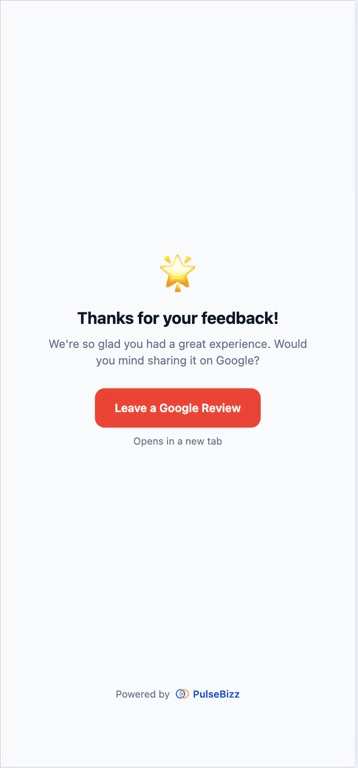
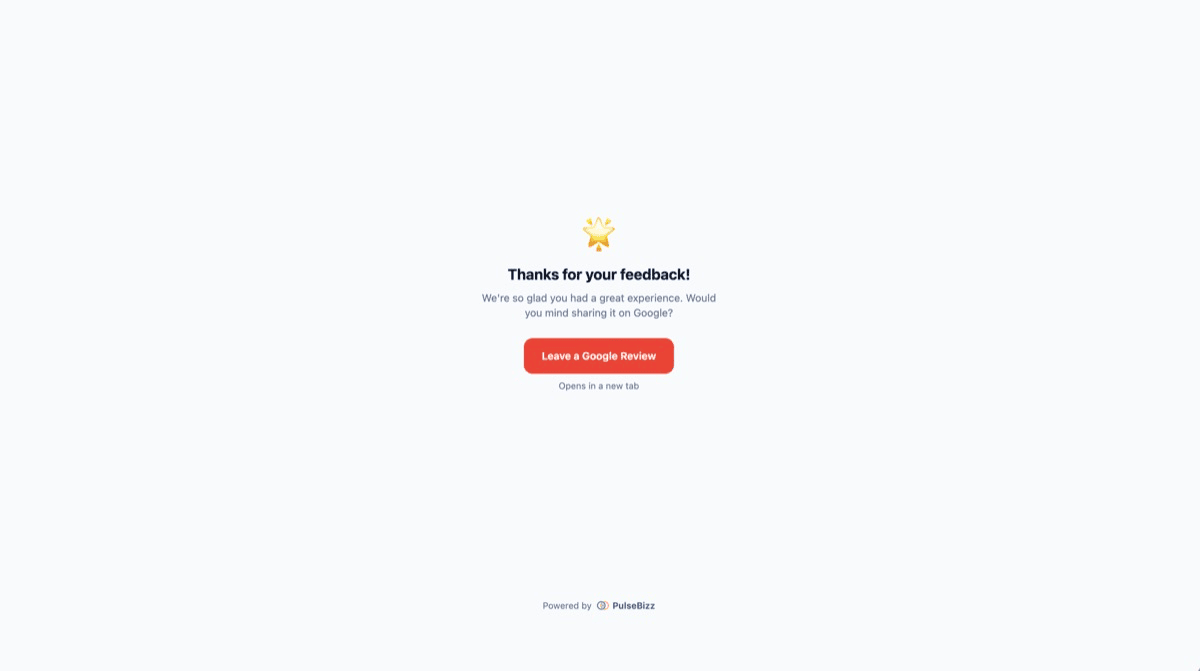
Smart Google review routing is a system that sends customers down different paths based on how they actually felt. Customers who rate four or five stars see a one-tap link to leave a public review on your Google Business Profile. Customers who rate one to three stars are routed to a private form that goes straight to your team — never to Google.
It is the difference between hoping your happy customers go out of their way to find your Google listing — most do not — and giving them the easiest possible path while still catching the unhappy ones before they post in public. The math compounds: more positive reviews on Google, fewer negative ones.
Why most businesses lose the review battle
The default behavior of unhappy customers is to write a public review. The default behavior of happy customers is to do nothing. That asymmetry kills your rating.
Unhappy customers go straight to Google
Bad service, slow staff, wrong order — the angry customer is on Google within an hour. They write the review while it is still fresh and emotional. By the time you find out, the damage has 80 views.
Happy customers do not write reviews unprompted
Most happy customers never review the places they like. They are already busy living their life. Without a fast prompt, the person who loved your service does nothing while the person who hated it writes 200 words.
Generic review request emails go to spam
Standard "please leave us a review" emails open at 1-2%. By the time most customers see one, they barely remember the experience. The prompt arrives at the worst possible moment.
Public negative reviews cost actual revenue
Harvard Business School research shows each lost star costs 5-9% of revenue. Worse: low ratings push your business out of Google's local map pack, where most local searches now end.
Routing logic that protects your reputation
The system reads the rating, picks the path, and sends the customer to the right place automatically.
Auto-redirect for 4-5 star ratings
When a customer rates four or five stars, they see a one-tap button to leave a public Google review. The link goes directly to your Google Business Profile review page — no copy-paste, no searching.
Private channel for 1-3 star ratings
Low ratings stay in your dashboard. They never see a Google prompt. Your manager hears about the issue first and gets a chance to recover the relationship before it becomes a public review.
Google Business Profile connection
Connect your Google Business Profile so public review activity becomes visible inside PulseBizz alongside your private feedback. One dashboard, full reputation picture.
Custom Google review URL
Override the auto-generated Google review link with a custom URL if you have a specific listing or campaign tracker. Useful for multi-location businesses or franchise rollups.
One-tap path to public reviews
Happy customer taps the star, sees the Google prompt, taps the link — three taps total to a public review. Compare that to an emailed review request, which averages four clicks just to find your Google listing.
Steady review growth without asking
Once routing is on, every new feedback submission is a chance for a new Google review. The flywheel runs whether you are watching it or not. Most businesses see new Google reviews within the first week.
Three steps from setup to first result
Connect your Google Business Profile
One-time setup links your PulseBizz dashboard to your Google listing. Public review activity becomes visible alongside private feedback.
Customer rates their experience
Through the QR code, the link, or your branded subdomain. The 5-star form captures their honest rating.
Routing happens automatically
4-5 stars: auto-redirect to your Google review page with a one-tap link. 1-3 stars: routed privately to your dashboard with full contact info for follow-up.
When routing protects your business
The right path for the right customer makes the difference between a public five-star and a public one-star.
Catching a small mistake before it goes public
Wrong drink order at brunch. Customer rates two stars, comments "got the wrong order, took 20 minutes to fix." Manager calls, comps the next visit, no Google review ever happens.
Compounding positive reviews from regulars
A loyal client rates five stars on the way out, taps through to Google, leaves a review in 30 seconds. Three months in, your Google profile has 40 new reviews from people who love you.
Multi-location reputation management
Each location has its own Google Business Profile. Routing sends location-specific feedback to the right Google listing — not a generic head-office page.
Service business follow-ups
Plumber finishes a job. Homeowner rates four stars on the QR code on the truck. Routing sends them to Google. Public review live before the truck pulls away.
Competitor-proof review velocity
Google's local map pack rewards review recency. Steady routed reviews keep your profile fresh and your rankings up — even when a competitor is paying for ads.
Catching fake one-star attacks
A disgruntled ex-customer submits six fake one-star reviews. Duplicate prevention catches the device, no Google routing happens, your public profile is untouched.
Common questions about google review routing
Is review routing legal? Does Google allow this?
Yes, with one important caveat: PulseBizz does not gate Google access — every customer can leave a public Google review if they want, regardless of their rating. Routing only changes which path is shown by default. Customers always have the option to find your Google listing on their own. Google's policies prohibit "review gating" that filters which customers can leave reviews; PulseBizz routing is a path-of-least-resistance design, not a filter.
What happens if an unhappy customer still wants to post a Google review?
They can. PulseBizz does not block them. The one-to-three-star flow shows the unhappy customer that your team will reach out to fix the issue, but they retain the right to find your Google listing and post publicly if they choose. The point is to give your team a chance to resolve the problem first.
Do I need a Google Business Profile to use routing?
Yes. Routing depends on having a Google Business Profile listing. If you do not have one yet, set it up first — it is free, takes 15 minutes, and is mandatory for any local business that wants to show up in Google Maps.
How does the system know which Google review URL to send customers to?
Once you connect your Google Business Profile, PulseBizz auto-generates the correct review submission URL for your listing. You can also override with a custom URL if you have a specific campaign tracker or location-specific variant.
What if I have multiple business locations?
Each location can be connected to its own Google Business Profile, with its own routing target. Customers leaving feedback at the downtown location get routed to the downtown Google listing, not the head-office one.
How long until I see new Google reviews start appearing?
Most businesses see new Google reviews within the first week of putting up a QR code with routing enabled. The compounding effect on map pack rankings typically shows up over the following 60-90 days.
Start sending happy customers to Google — automatically.
Explore related features
QR Code Feedback System
The fastest way to get customers into the routing flow.
Learn more →Feedback Collection
The smart 5-star form that powers the routing decision.
Learn more →Customer Recovery
What to do with the unhappy customers once they are routed privately.
Learn more →Looking for the full picture? See the complete reputation management software breakdown or compare plans on pricing .